How it plays
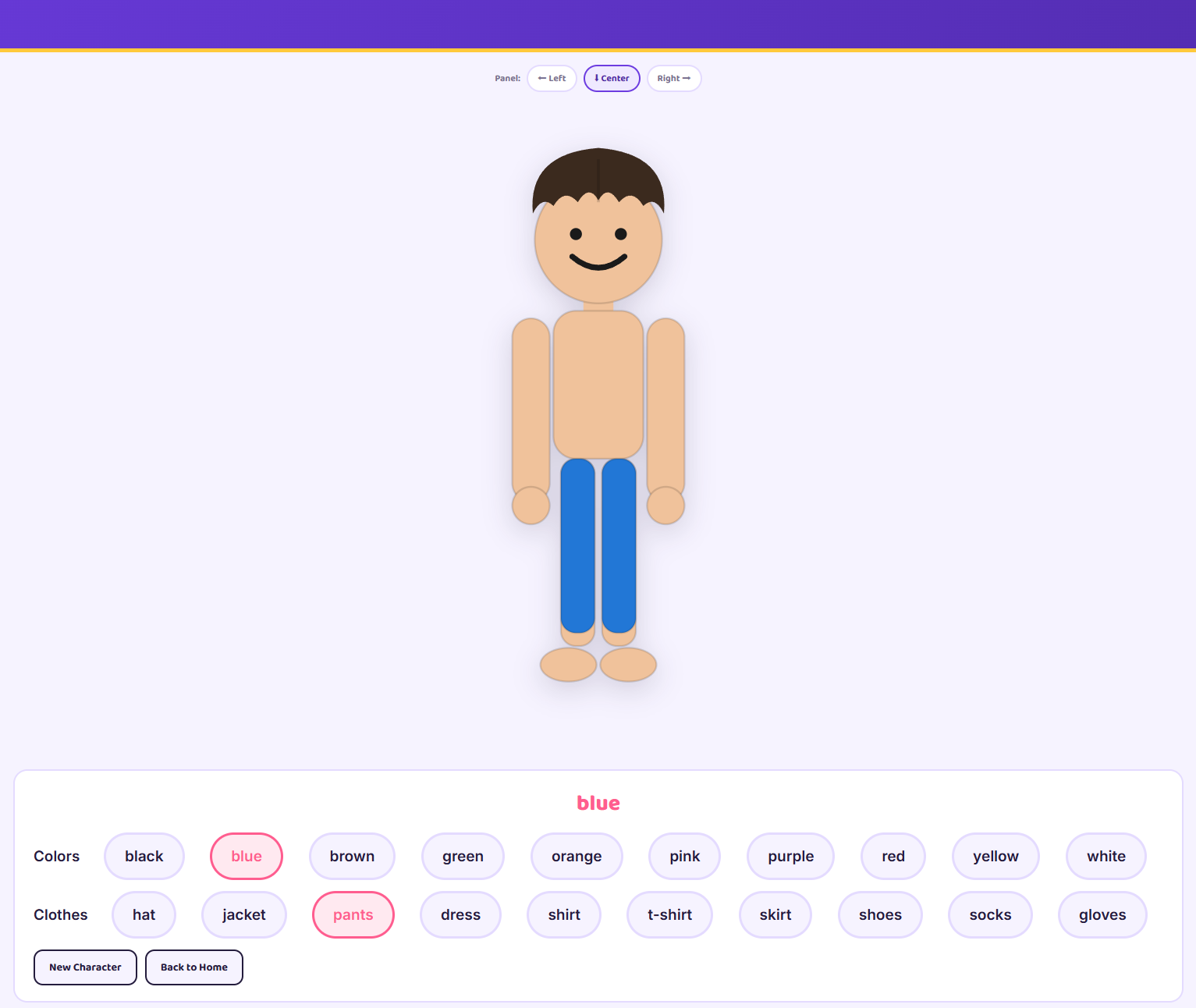
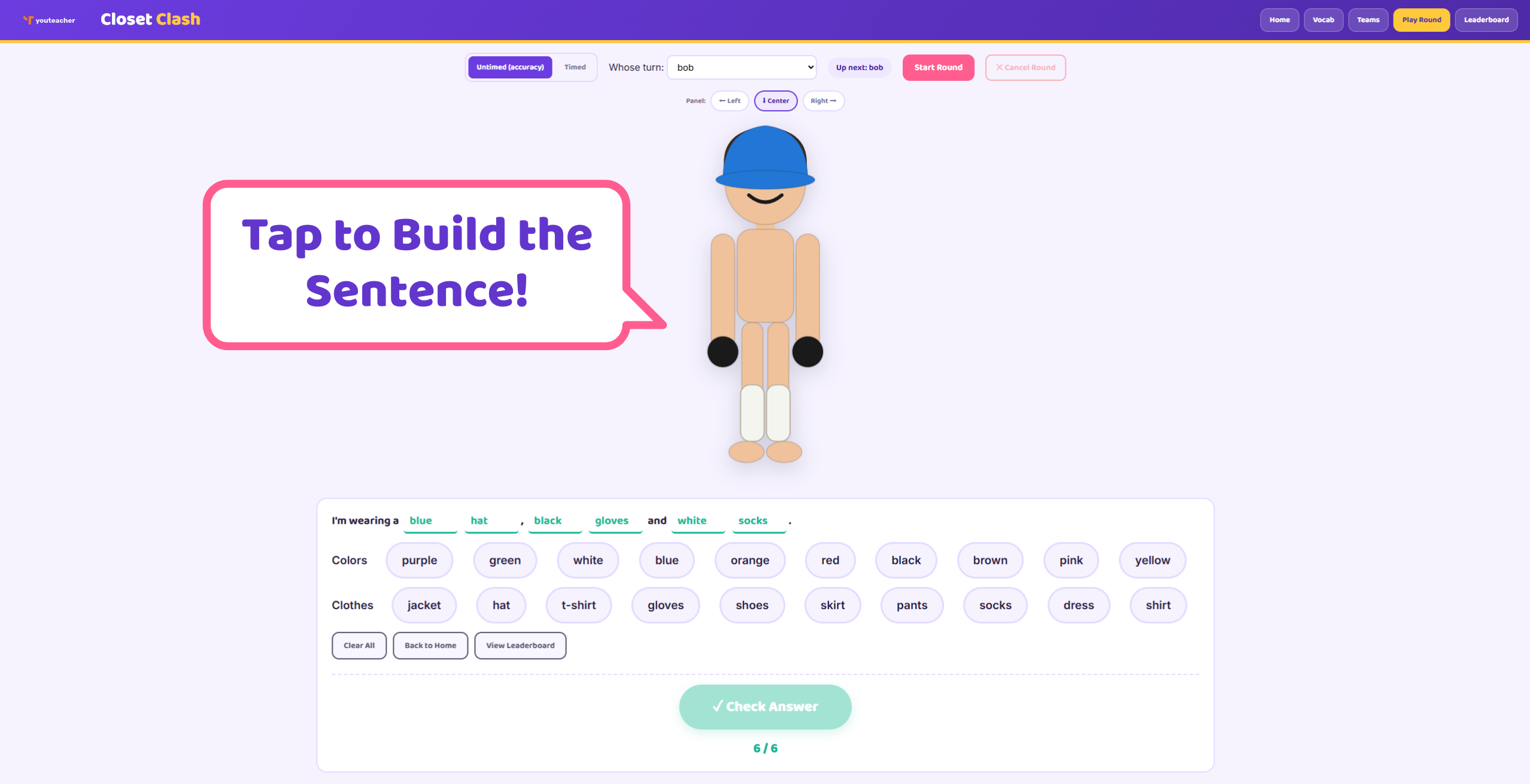
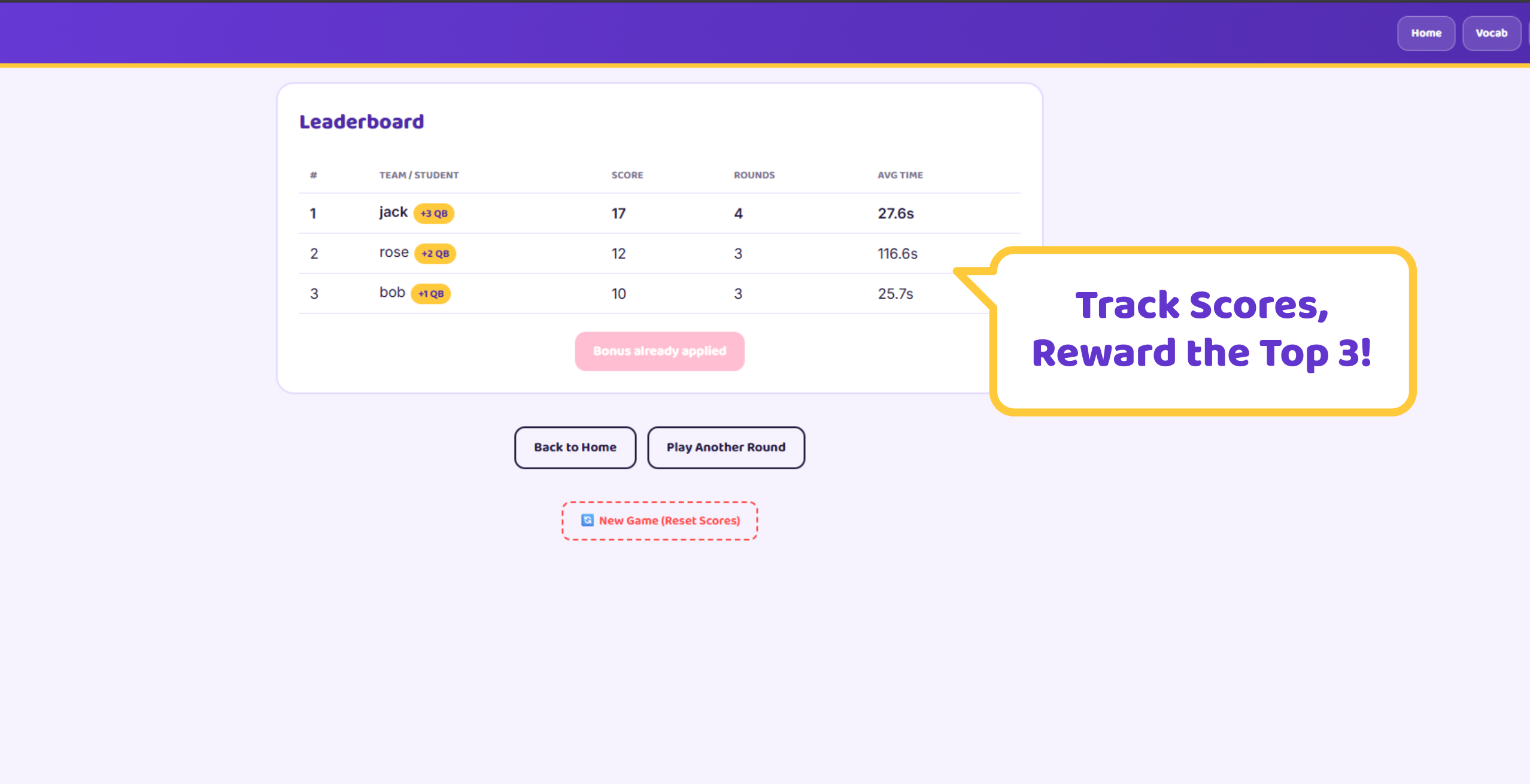
A cartoon character wears a randomly generated outfit — students fill in the blank of a sentence like "I'm wearing a ___ ___" by tapping color and clothing words from a word bank. Start with a no-scoring Vocab screen where students meet every word in isolation before playing for real. Then set up Teams (with a preset name picker) or Individuals, or skip straight to a scored-free Quick Play mode for whole-class comprehension checks. Rounds can be Timed or Untimed, turns auto-advance through the roster, and a running Leaderboard tracks scores across the game with an optional end-of-game bonus for the top 3 — labeled however your class already tracks rewards (house points, tickets, stickers, etc.).
Features
Learn before you play
A dedicated Vocab screen lets students tap through every color and clothing word — building the outfit piece by piece — before any scoring starts.
Teams, individuals, or whole class
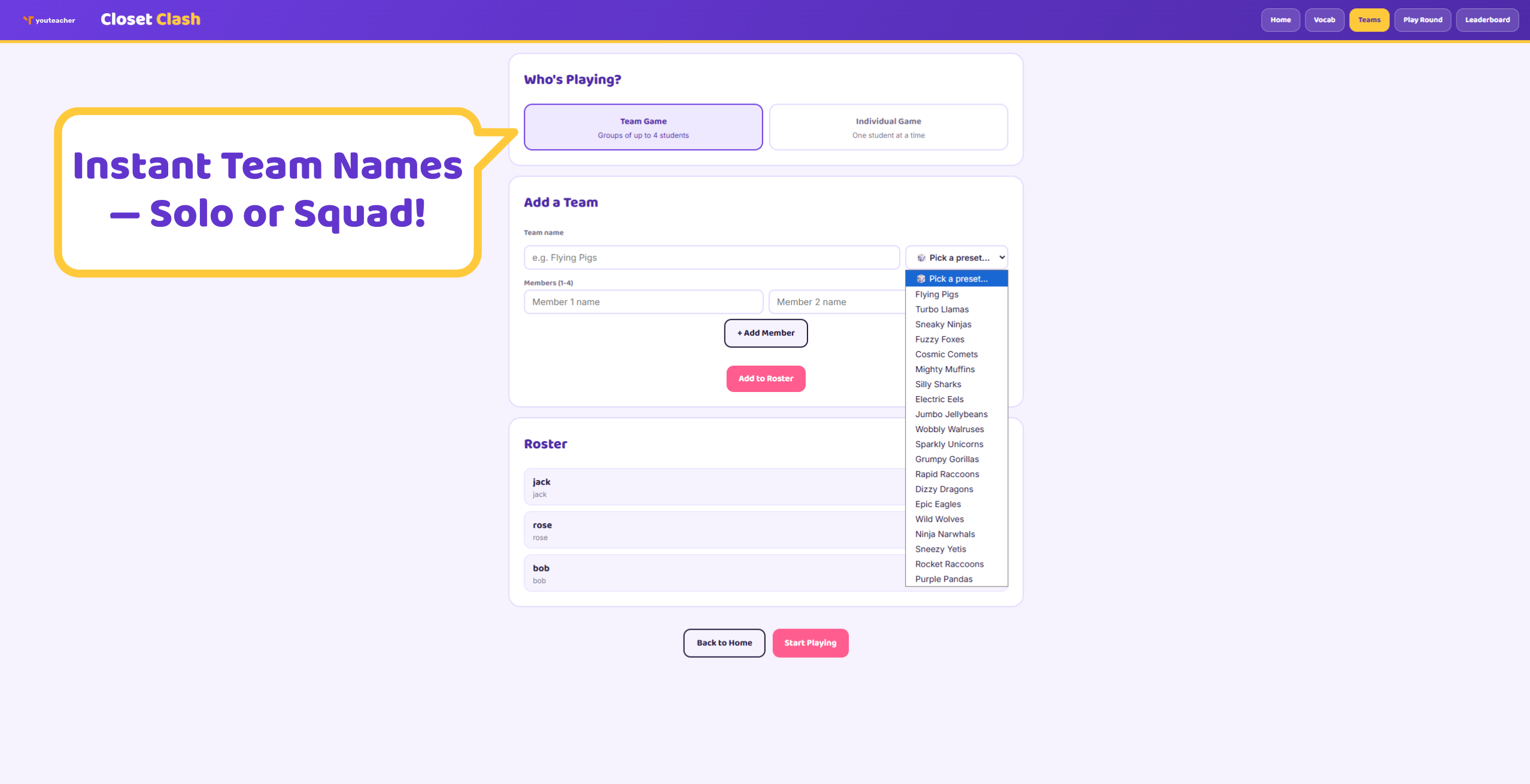
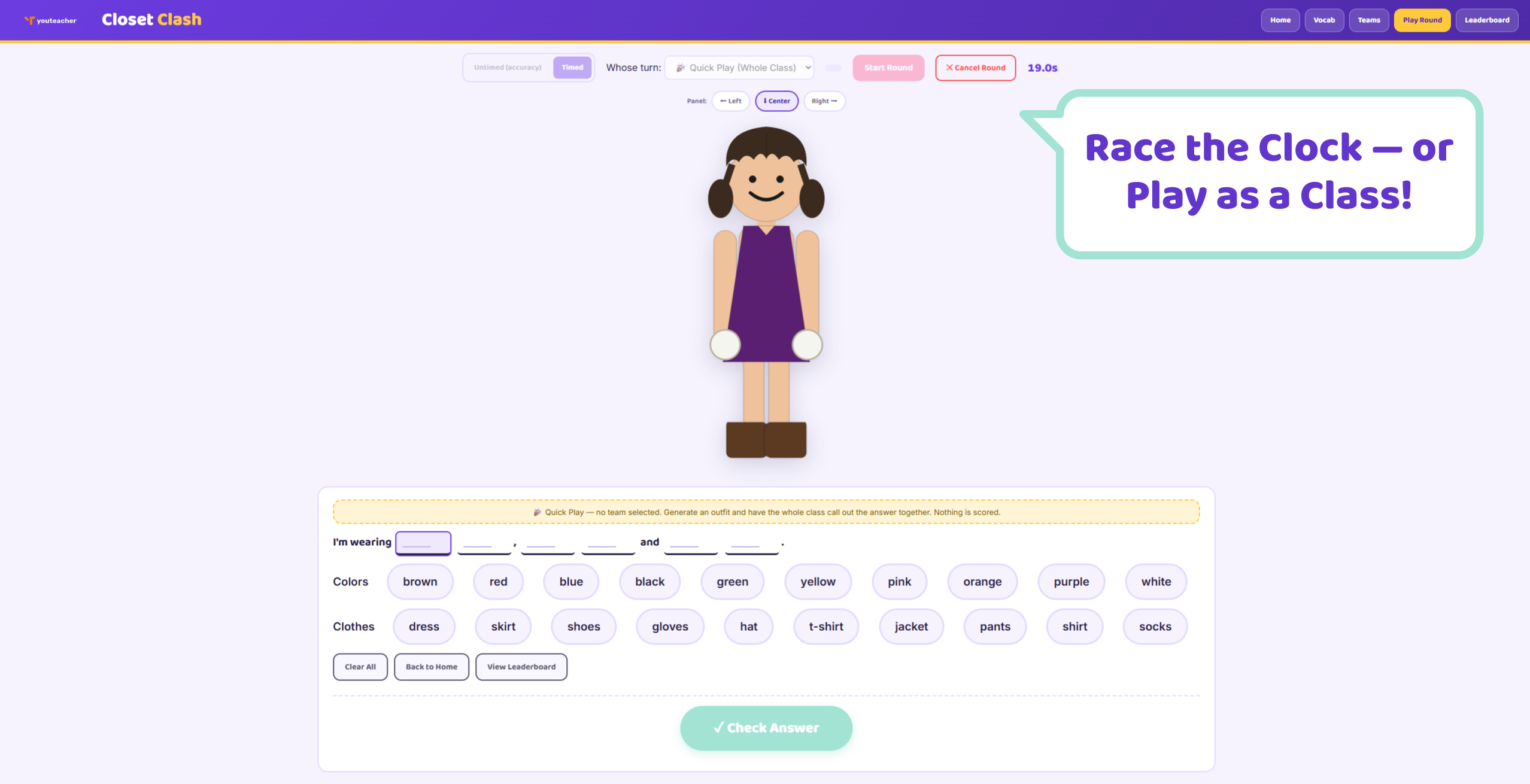
Set up teams (with instant preset names) or individual students, or skip setup entirely with Quick Play for a whole-class call-and-response warm-up.
Timed or untimed rounds
Play for pure accuracy, or add a stopwatch for a race-against-the-clock twist. Turn order auto-advances through the roster round to round.
Built for the front of the room
A large character render and a docked, chunky word-bank panel (left, right, or center) keep everything readable and tappable from a smartboard.
Running leaderboard
Scores accumulate across rounds, with an optional end-of-game bonus (+3/+2/+1) for the top 3 — name it whatever your class calls its rewards.
What’s included
- ✓Windows installer (.exe)
- ✓Mac installer (.dmg)
- ✓YouTeacher Activator — one app licenses every game on your USB
Set up in 4 steps
-
Preview the vocab
Open the Vocab screen and let students tap through colors and clothing items before playing for score.
-
Add your class
Set up teams or individual students on the Team Setup screen — or skip it for whole-class Quick Play.
-
Play rounds
Pick Timed or Untimed, start a round, and let the current student or team build the sentence.
-
Track the leaderboard
Scores add up automatically; apply your bonus (type in your own label — house points, tickets, whatever your class uses) at the end of the game for a final ranking.
Reviews
There are no reviews yet.